Setting up Halaxy? Here’s how to avoid the most common mistakes
18 February 2026
Getting set up in private practice takes a lot: sorting your ABN, making decisions around fees, and trying to stay on top of all the moving parts… then trying to figure out Halaxy… It’s like one more overwhelming thing on the to-do list. And, of course, because you’re a therapist, you are focused on client care, not admin flows, so it’s easy to miss small details that later turn into big headaches (trust us, we’ve ironed out so many hassles for our clients over the years!). In this blog, we walk through some of the most common Halaxy setup mistakes we encounter, and how to avoid them so your practice can run smoother from day one.
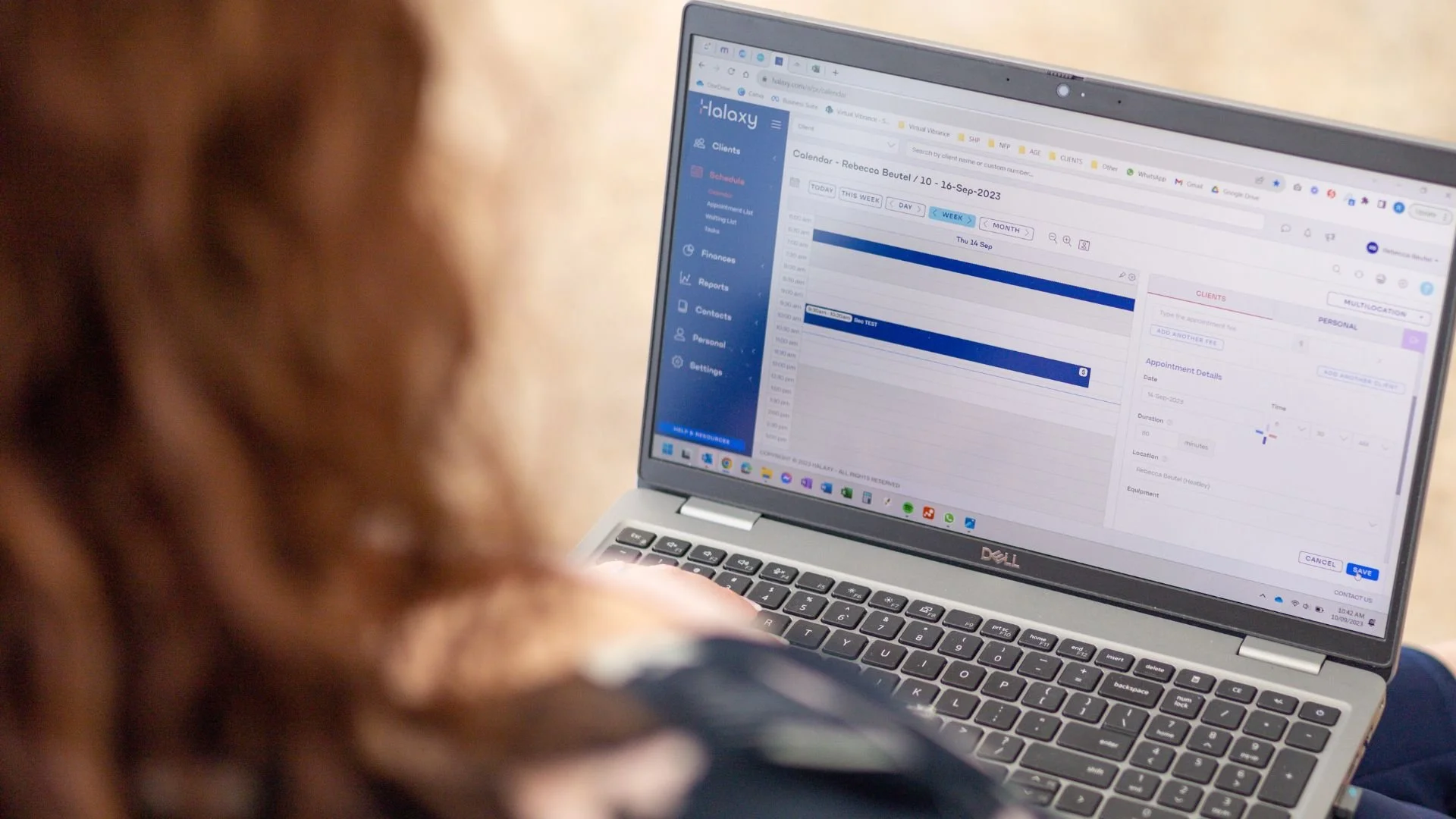
Halaxy is a comprehensive, free-of-charge, and HIPAA/GDPR-compliant practice management software that streamlines everything from online booking to automated invoicing and clinical notes. We love it, and we know you will too, but it needs to be set up correctly for you to gain all the benefits it offers.
Mistake #1: Rushing through Halaxy setup without a plan
A lot of people open a Halaxy account and jump straight into the backend. But without knowing what you need to input (or why it matters), this leads to things like:
Fees not being set up correctly
Invoice/letterhead templates looking dodgy, and
Clunky onboarding processes that slow the client intake process and result in double (or triple) handling of information.
What to do instead
Start by mapping out your essentials before logging in:
AHPRA/Registration number and ABN
Medicare provider number(s)
Your fee structure, service names, and item numbers
Letterhead details and email templates
Your onboarding process (forms, emails, policies)
This initial prep work will save hours later on and prevent setup mistakes that can cost you money or trust.
Mistake #2: Not customising your communication
Halaxy lets you automate client emails, like appointment confirmations, reminders, and intake instructions. But many clinicians leave these templates blank, generic, or misaligned with their branding.
This means missed details, awkward tone, and unnecessary admin chasing.
What to do instead
Write your own custom versions of:
Appointment confirmation email
Intake instructions + consent link
Payment reminder or invoice email
GP letters
You don’t have to overdo it, just think: clear, professional and warm. (Hint: our Halaxy Setup Checklist comes with done-for-you templates for all of these!)
Mistake #3: Setting fees up incorrectly
If you don’t know how Halaxy’s fees work, it’s easy to get this wrong. And while it may not seem like a big deal, it can cause all sorts of headaches down the road. (Fees link to so many different places and functions within Halaxy; it’s important to get this right from the start!)
Halaxy has a schedule of preset fees for us to utilise, and when used correctly, it will save you time and energy down the track (especially when updates to rebates/approved amount occur. Think Medicare, NDIS, WorkCover/WorkSafe, DVA, etc.)
What to do instead
Make sure you use the Halaxy preset fees, especially for your Medicare fees.
Use a reference sheet or cheat sheet to keep it consistent. (Don’t have one? Our checklist includes the most commonly used item numbers for psychologists and Accredited Mental Health Social Workers, all in one place.)
Feeling overwhelmed?
OK, if you've read this far, feel overwhelmed, and are wondering why there isn’t just an easy step-by-step guide… there is!
In fact, this is exactly why we created the Halaxy Setup Checklist, a one-time instantly downloadable PDF that walks you through:
✅ Pre-setup essentials
✅ Account setup instructions (with screenshots)
✅ Customisable templates for emails + intake
✅ Item number cheat sheets
✅ A clean place to store all your key info
Whether you’re starting from scratch or reviewing an existing setup, the checklist is your shortcut to a system that works now, and keeps working as your practice grows.
👉 Grab it here for $110 inc. GST
Not ready to DIY? We can do it for you.
We also offer a done-for-you Halaxy Setup Package, where we take care of everything on your behalf.
✔️ All your data
✔️ Template setups
✔️ Payments and fees linked
✔️ Fully configured account
✔️ Professional finish without the fuss
✔️ Starts at $495
And if you’re still not sure, book a free consult and chat with our Halaxy legend, Bec!